Workspaces
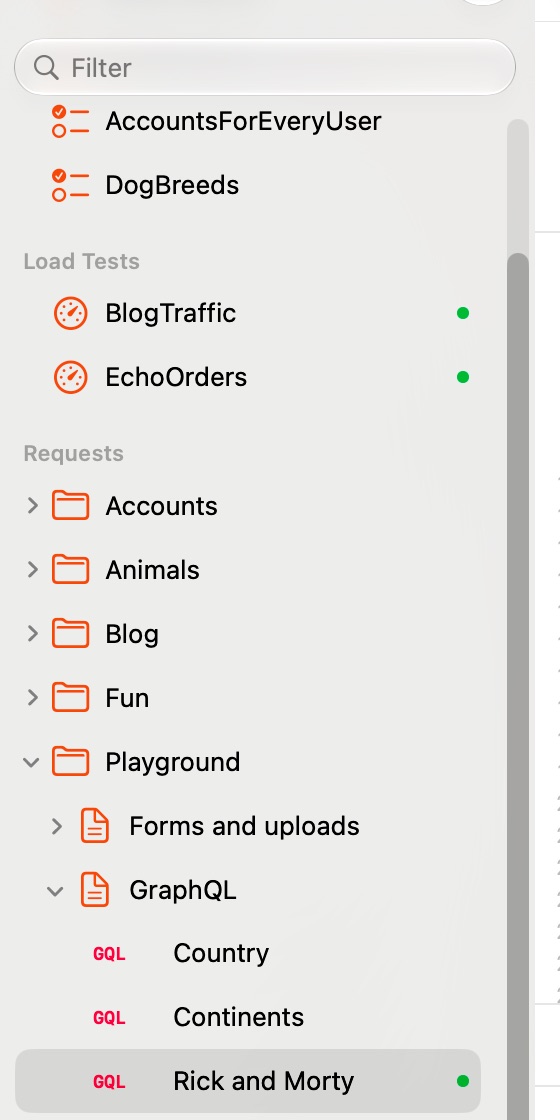
A workspace is a folder of .stamp (or .http) files, usually with an environment.stamp at its root. Nothing is hidden anywhere else: what you see in the folder is the whole state.
stamp list .          # every request, grouped by file
stamp check .         # parse everything, send nothing
In the app: File ▸ Open Workspace… (⌘O), or Open Example Workspace on the welcome screen. File ▸ New Request (⌘N), New Request File… (⌥⌘N), New Folder… (⇧⌘N). File ▸ Reveal in Finder (⇧⌘R) opens the real file.