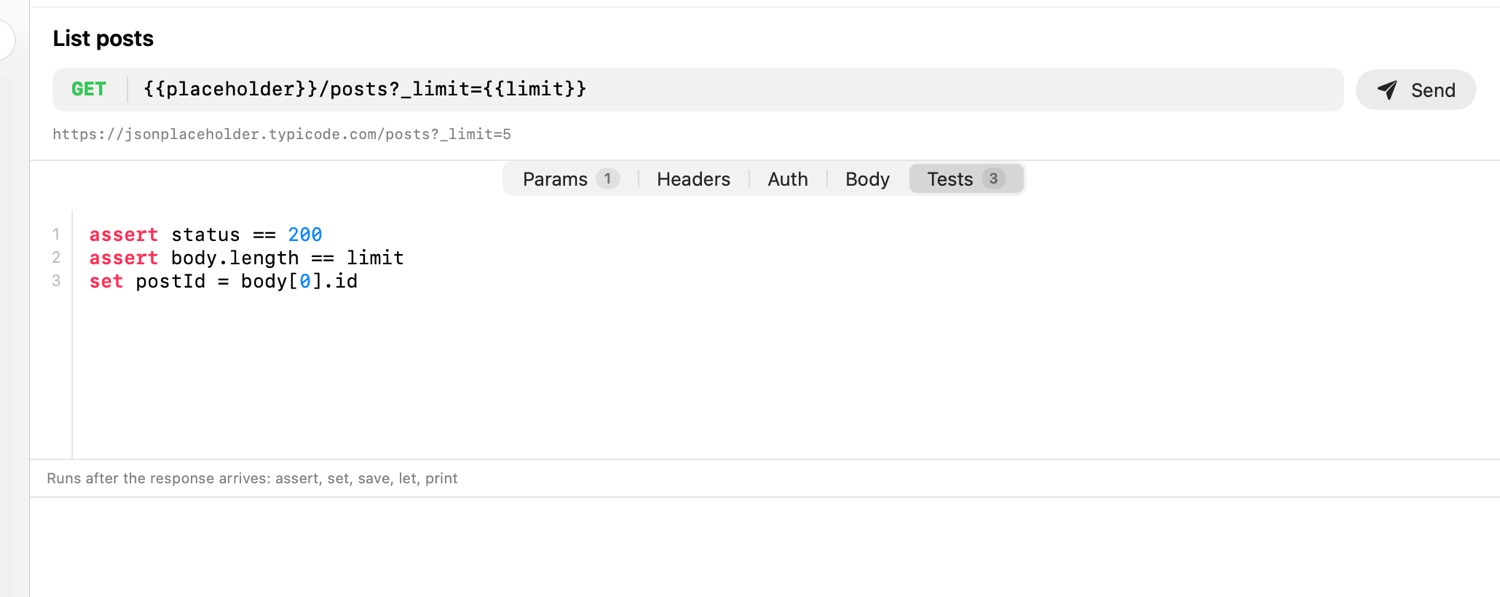
Requests
### Create a post
@name createPost
@timeout 10s
POST {{baseUrl}}/posts
Content-Type: application/json
# X-Debug: 1

{ "title": "{{fake.sentence}}", "userId": {{userId}} }

> assert status == 201
> assert body.id != null, "the new post has no id"
> set postId = body.id
The order inside a request is fixed: variables and directives, the request line, headers, one empty line, the body, then > script lines. A commented header stays as a disabled header. A body of a single < ./file.json line is read from that file. Methods include GRAPHQL, WS, STUN, TURN and MCP.
stamp run api/posts.stamp               # every request in the file
stamp run api/posts.stamp createPost    # one by name
stamp run . --verbose                   # headers and bodies too
stamp run . -o response.json            # save the last body
In the app: pick a request in the sidebar and press ⌘↩, or ⌥⌘↩ to run every request in the file. ⌘. stops. The toolbar switches between the form view (Params, Headers, Auth, Body, Tests) and the source of the same file; both edit the same text.