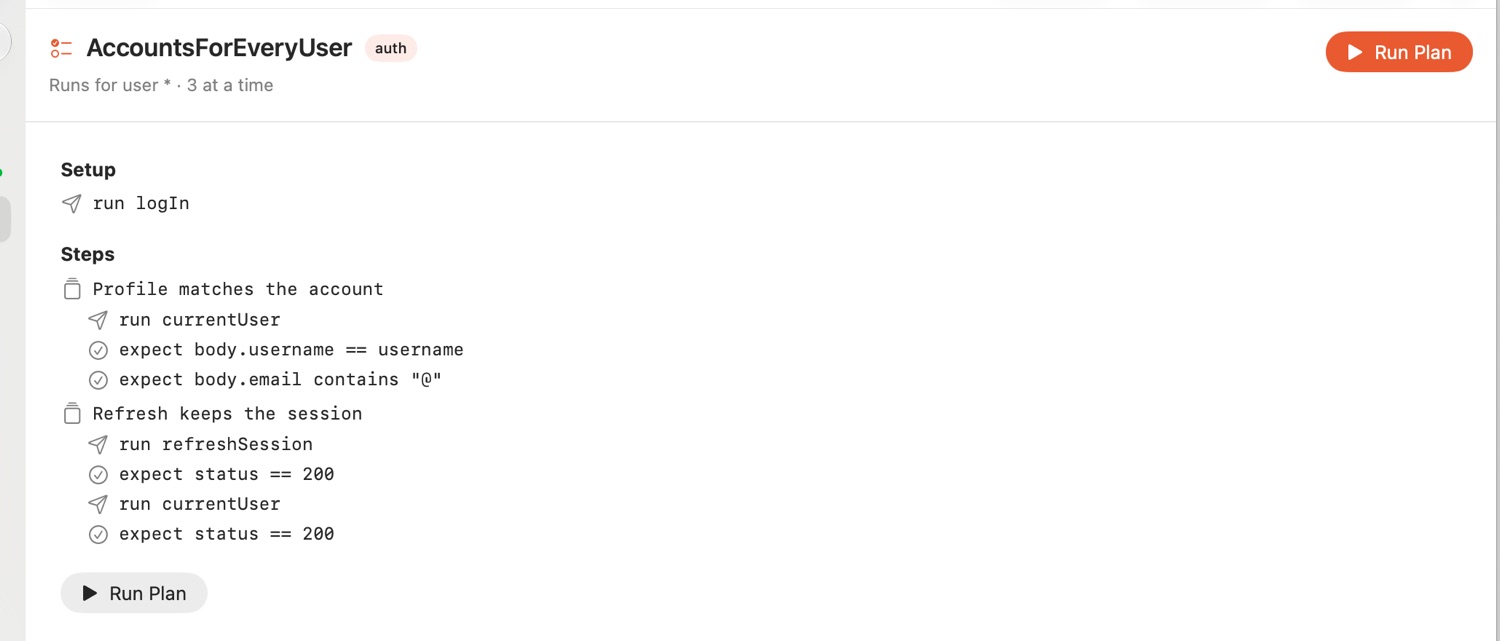
Test plans
plan Checkout {
  tags smoke
  matrix environment = qa|prod
  data ./fixtures/carts.csv
  retry 2 every 500ms
  parallel 3

  setup { run logIn }

  step "Browse" {
    run listProducts with limit = 5
    expect status == 200
    set productId = body[0].id
  }

  for each quantity in [1, 3] {
    step "Add to the basket" {
      run addToBasket with id = productId, quantity = quantity
      expect body.items.length > 0
    }
  }

  if environment == "prod" {
    step "Prices carry tax" { run basket; expect body.tax > 0 }
  }
}
Plans go before the first request in a file. Settings: matrix, data, parallel, retry, timeout, tags. Statements: run … with, expect, set, let, print, wait, step, repeat, for each, if … else.
stamp test .                            # every plan
stamp test . --tags smoke               # only some
stamp test . --junit reports/junit.xml  # for CI
stamp test . --html report.html         # to read
In the app: plans appear under Test Plans in the sidebar with a Run Plan button, each step showing what passed as it runs.