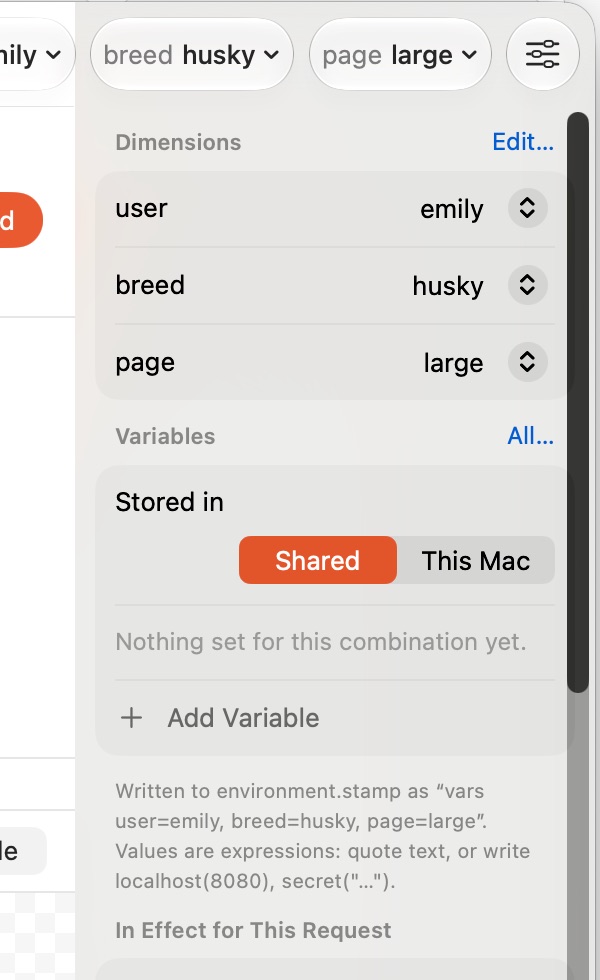
Variables and dimensions
Instead of copying a set of variables per environment, describe the axes your API varies along. More specific vars blocks win.
dimension environment = local, qa, prod
dimension region = eu, us

vars {
  baseUrl = localhost(8080)
  limit = 5
}

vars environment=qa|prod, region=eu {
  baseUrl = "https://api." + environment + ".eu.example.com"
}
stamp run . environment=qa region=eu # pick values
stamp run . environment=* # any value
stamp env . environment=qa # what they resolve to
stamp run . -v limit=100 # override one variableIn the app: the dimension menus in the toolbar, or the Environment menu. Edit Dimensions… changes the axes, All Combinations… shows every variable for every combination in one table, Reset Session (⇧⌘K) clears values set during runs. The inspector on the right lists what is in effect for the selected request and where each value came from.